

Workflows are in beta. They’re currently free for all plans during the beta period. Workflow features, availability, and pricing are subject to change.
Create a workflow
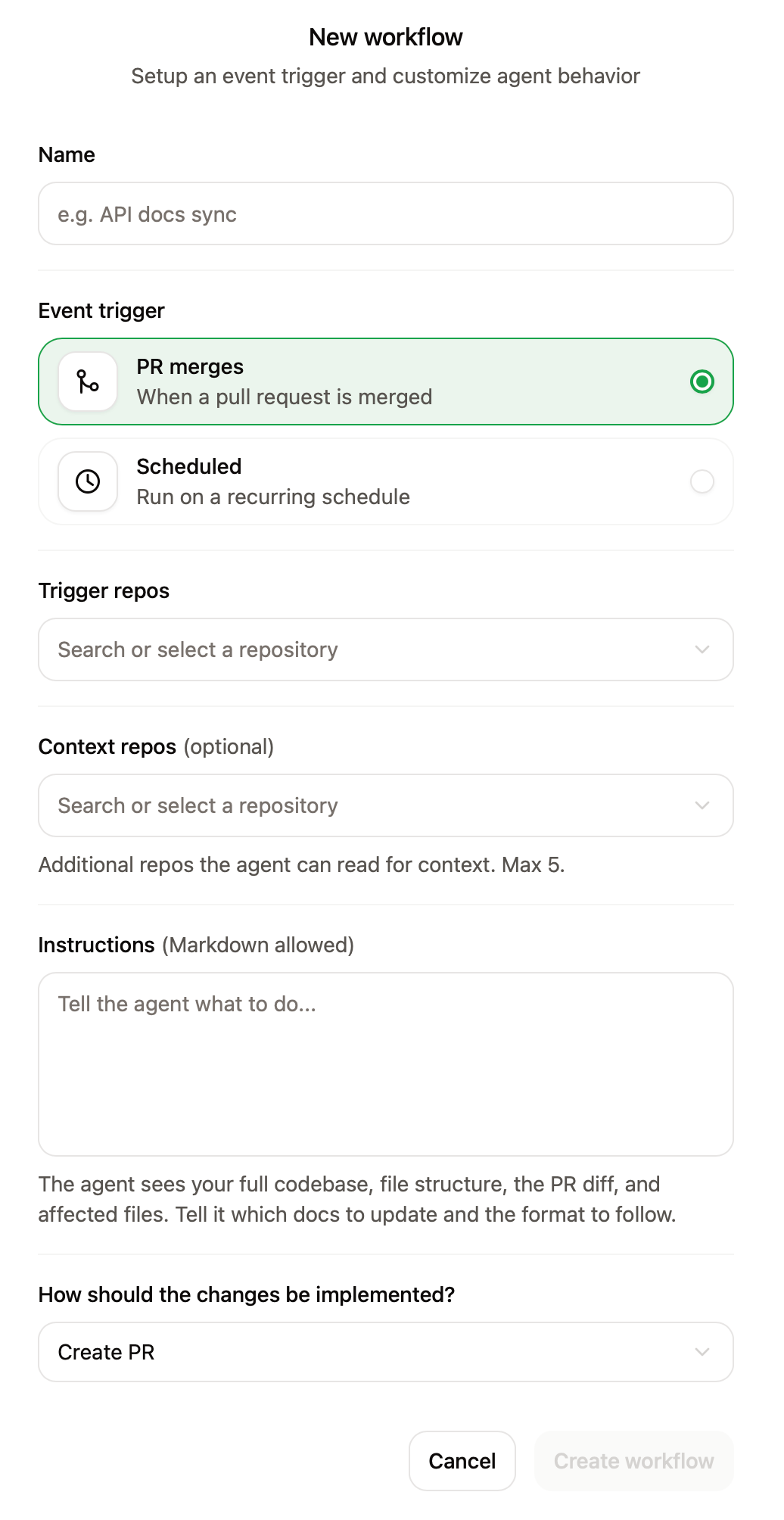
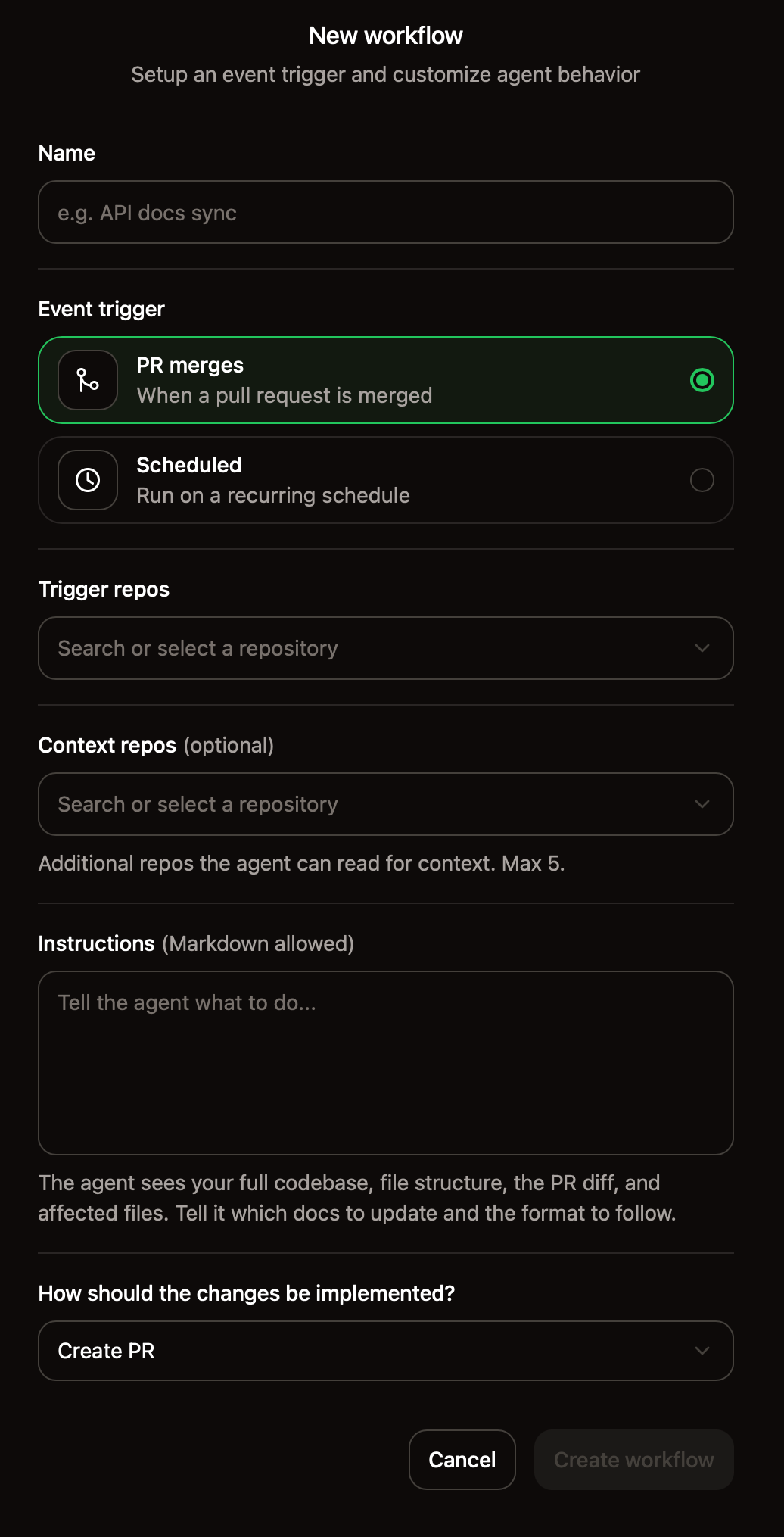
Create a workflow in the dashboard
- Open the Workflows page.
- Click New workflow.
- Configure the trigger, prompt, and other settings.
- Optionally, enable Slack notifications to notify channels when the workflow completes. See Slack notifications.
- Click Create workflow.
Create a workflow file with the CLI
If you have the Mintlify CLI installed, run the following command from your documentation repository to create a workflow file interactively in the CLI..md file in the .mintlify/workflows/ directory. Commit and push the file to activate the workflow.
Add a workflow file to your repository
Create a.md file for each workflow in a .mintlify/workflows/ directory at the root of your documentation repository. Each file defines one workflow.
If you have a monorepo, place the
.mintlify/workflows/ folder inside your documentation root directory where your docs.json file is, not at the repository root..mintlify/workflows/update-changelog.md
Frontmatter fields
| Field | Required | Description |
|---|---|---|
name | Yes | Display name shown in the dashboard. |
on | Yes | Trigger configuration. |
context | No | Repositories cloned as reference when the workflow runs. |
automerge | No | Defaults to false, which opens a pull request for review. If true, opens a pull request and automatically merges it. |
notify | No | Notification configuration. Send Slack messages when workflows complete. |
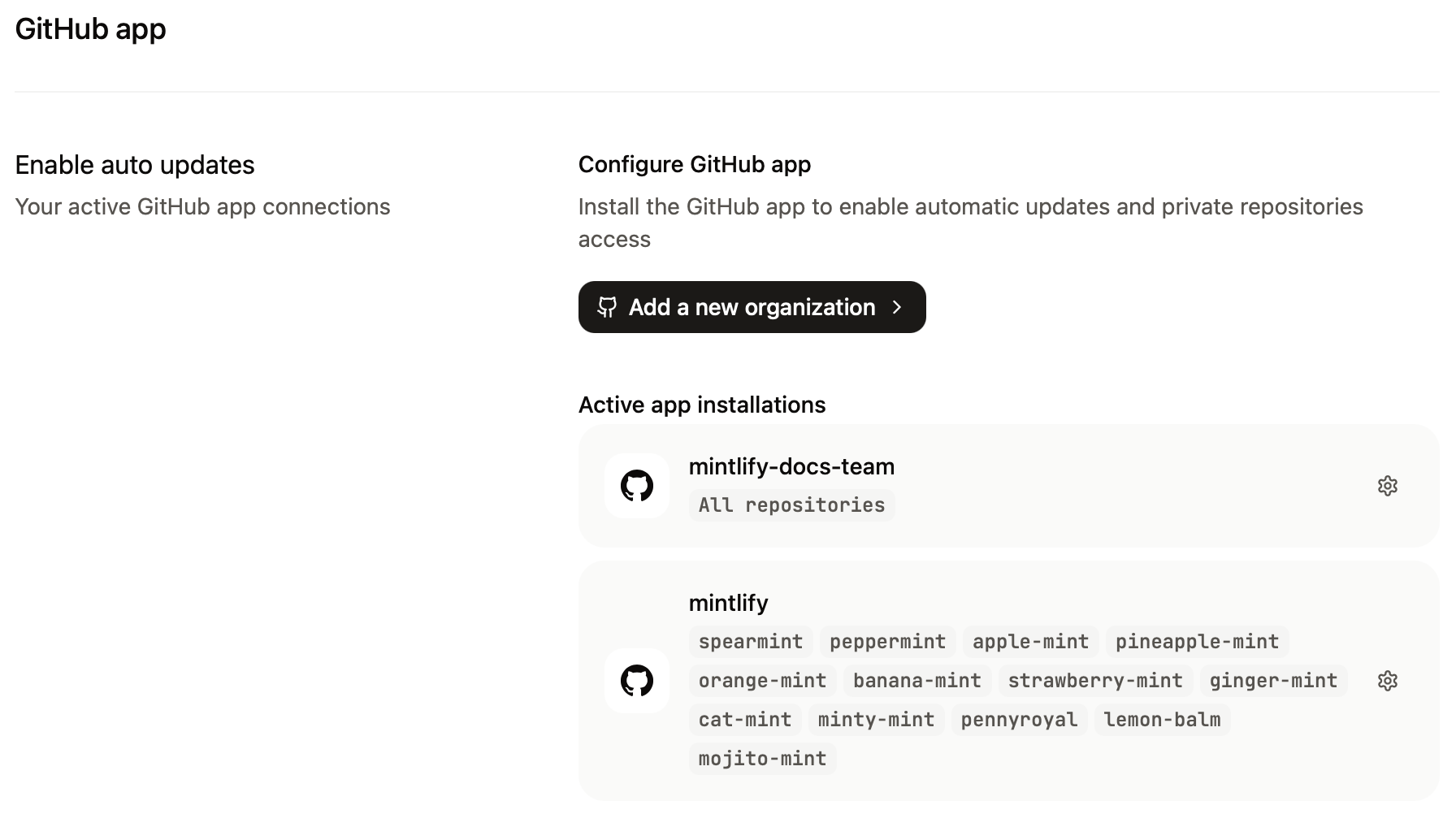
context or on.push.repo fields. Add new repositories on the GitHub app page of your Mintlify dashboard.
Triggers
Each workflow must define exactly one trigger using theon field.
On schedule (cron)
Run a workflow on a recurring schedule using a cron expression. All schedules run in UTC. Workflows queue within 10 minutes of the scheduled time and may take up to 10 minutes to run.minute hour day-of-month month day-of-week format. Use a tool like crontab.guru to build and validate schedules.
| Expression | Schedule |
|---|---|
"0 9 * * 1" | Every Monday at 9:00 AM UTC |
"0 0 1 * *" | First day of each month at midnight UTC |
"0 8 * * 1-5" | Weekdays at 8:00 AM UTC |
On push events
Run a workflow when changes push to a specific repository or branch. This includes both pull request merges and direct pushes to the branch.repo: The GitHub repository inowner/repoformat.branch(optional): The branch to watch for pushes. If you don’t specify a branch, the workflow triggers on pushes to the repository’s default branch.
Context repositories
Usecontext to give the agent read access to additional repositories when the workflow runs. This is useful when your prompt requires reviewing code or content outside your documentation repository.
Auto-merge changes
By default, the agent opens a pull request for each workflow run so you can review changes before they go live. Setautomerge: true to automatically merge the pull request without requiring manual approval. This gives you a record of changes in your repository’s pull request history while automating the merge step.
Slack notifications
Send Slack messages when a workflow completes or fails. Notifications include the workflow status, a link to the pull request, and a summary of the changes.Slack notifications require a Slack installation on your organization. Connect Slack on your dashboard.
Configure Slack notifications in the dashboard
When creating or editing a workflow in the dashboard, you can enable Slack notifications under the Notify on completion toggle:- Toggle Notify on completion to enable Slack notifications.
- Search for and select the channels you want to notify.
- Save your workflow.
Configure Slack notifications in workflow files
Use thenotify field to configure Slack notifications in a workflow file:
| Field | Description |
|---|---|
channels | Channel names to notify (with or without # prefix). |
channel_ids | Channel IDs to notify. |
users | Usernames, display names, or real names to DM. |
user_ids | Slack user IDs to DM. |
Prompts
Effective prompts focus on one task and have a specific outcome in mind. Workflows always have some variance because of the nondeterministic nature of agents, but you can improve the consistency of workflow outputs by following these best practices.- Describe the outcome you want the agent to achieve.
- Include success criteria.
- Specify the context you want the agent to use.
- Split complex tasks into steps or multiple workflows.
Agent environment
The agent runs in an isolated sandbox with restricted internet access. When writing prompts, only reference tools available to the agent.- Standard shell utilities (
grep,sed,awk,curl, and others) gitand the GitHub CLI (gh)- The Mintlify CLI (
mint) - Node.js and Bun
Example workflows
Draft documentation for new features
Runs when you push changes to your product repository to identify documentation updates needed for any new features or APIs..mintlify/workflows/draft-feature-docs.md
Style audit
Runs when changes push to your documentation repository to catch style guide violations before they accumulate. This example workflow automatically fixes style guide violations and lists any violations that require human judgment in the PR body..mintlify/workflows/style-audit.md
Update API reference
Runs when pull requests merge to your product repository to keep API reference pages in sync with your product code. When endpoints or parameters change, this workflow updates the corresponding content in your documentation..mintlify/workflows/update-api-reference.md
Track translation lag
Run weekly to compare English source files against their translations and identify pages that have fallen behind. To use this workflow, update the example language subdirectories (es/, fr/, zh/) to your actual language subdirectories.
.mintlify/workflows/translation-lag.md
SEO and metadata audit
Runs weekly to check for pages with missing or weak metadata and open a pull request with improvements. This example workflow checks for missingdescription frontmatter. Edit the workflow to check for other metadata or content issues that you prioritize for your documentation.
.mintlify/workflows/seo-audit.md
Changelog with notifications
Runs weekly to generate a changelog and notify your team on Slack when the workflow completes. This example shows how to combine scheduled workflows with Slack notifications..mintlify/workflows/changelog-with-notify.md